Invoice Template Excel
Excel remains one of the most popular tools in business – and plenty of companies still rely on it for creating invoices. While spreadsheets work well for calculations and record-keeping, they come with real drawbacks when it comes to invoicing. We'll walk you through what an invoice in Excel should look like, what it needs to include – and why a growing number of business owners are making the switch to InvoiceOnline.com as a faster and more reliable way to handle invoicing.
What does an invoice need to include?
Whether you build your invoice in Excel or any other tool, it should contain all the information needed for proper bookkeeping and tax compliance. While the IRS doesn't mandate a specific invoice format, missing key details can lead to payment delays, disputes, or issues during an audit.
Essential elements
Invoice number – a unique, sequential number (e.g. "Invoice #20250101") within your numbering system.
Seller information – your business name (or full name if you're a sole proprietor), business address, and EIN or SSN. If registered for sales tax, include your state tax ID.
Buyer information – the customer's name or business name and billing address.
Invoice date – the date the invoice was issued.
Description of goods or services – what you're billing for: item description, quantity, unit price, and line total.
Sales tax (if applicable) – the applicable state and/or local sales tax rate, the taxable amount, and the tax total. Requirements vary by state.
Total amount due – the grand total including all line items and applicable taxes.
Recommended elements
Payment due date – the deadline for payment (e.g. Net 30, Net 15, Due on Receipt).
Payment information – bank account and routing number, or accepted payment platforms (Zelle, Venmo, PayPal, etc.).
Payment terms – any late fees, early payment discounts, or accepted payment methods.
Purchase order (PO) number – if the client provided one, including it helps speed up payment processing.
What to watch out for when invoicing in Excel
Excel is a powerful tool, but for invoicing it has specific pitfalls that can lead to costly mistakes:
Rounding errors – Excel may round differently than you'd expect. Even small cent discrepancies on invoices with sales tax can cause headaches in your accounting.
Broken formulas – When you copy rows, cell references can shift without you noticing. Always double-check that your totals add up.
Formatting breaks on print/export – What looks great on your screen can fall apart when you export to PDF. Always preview before sending.
Manual numbering – Without a proper system, it's easy to accidentally duplicate an invoice number or skip one in the sequence.
-
No automatic backups – If you delete the file or it gets corrupted, your records are gone.

Heads up!
Never send an invoice as an .xlsx file. The recipient could accidentally (or intentionally) change the details. Always export to PDF.
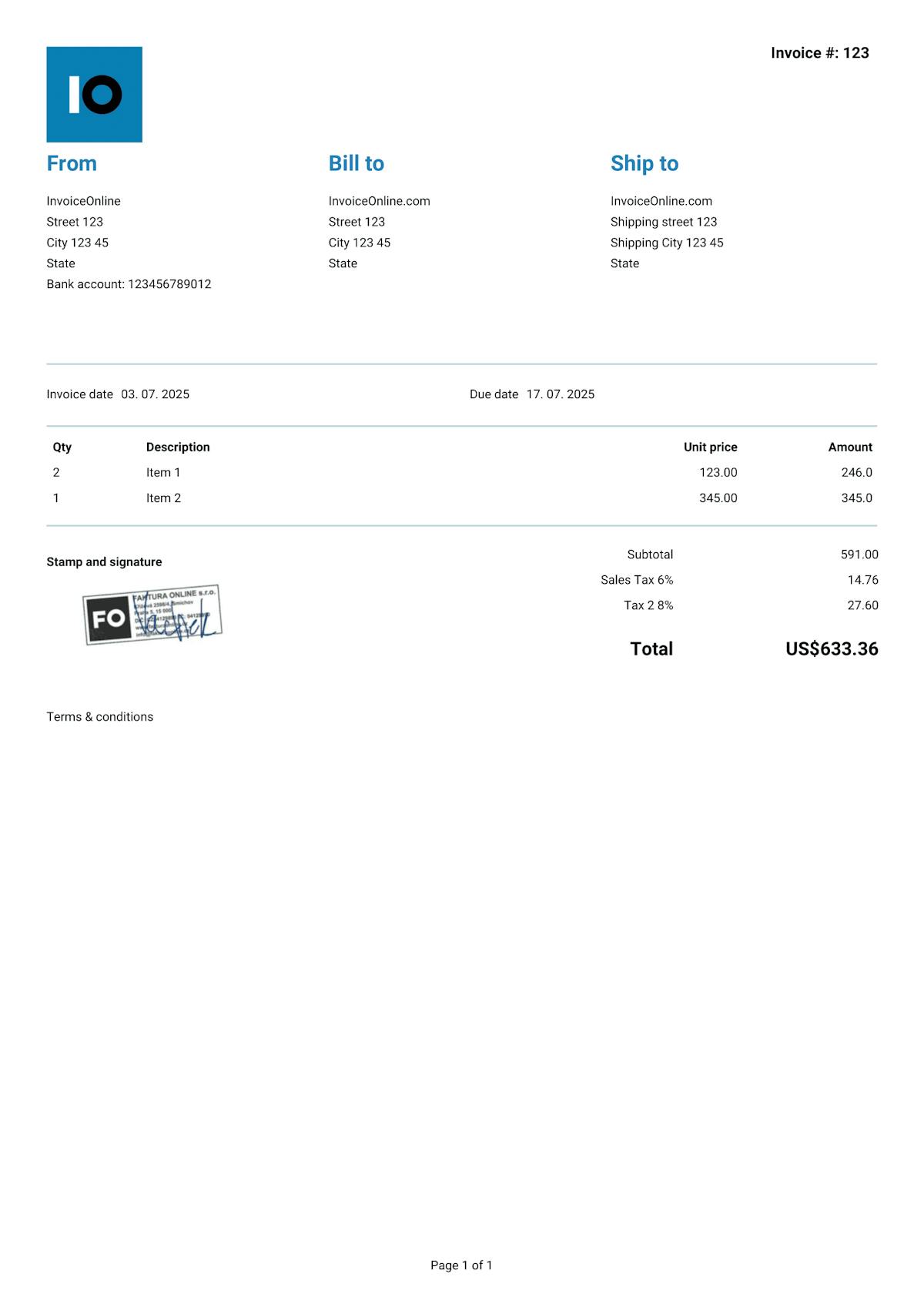
With InvoiceOnline.com, you don't have to deal with any of that. Every invoice is automatically generated as a PDF that can't be edited after the fact. Your customer always gets exactly what you issued – no risk of anything getting changed along the way. And all your documents are stored securely in the cloud, so you never have to worry about losing your records.
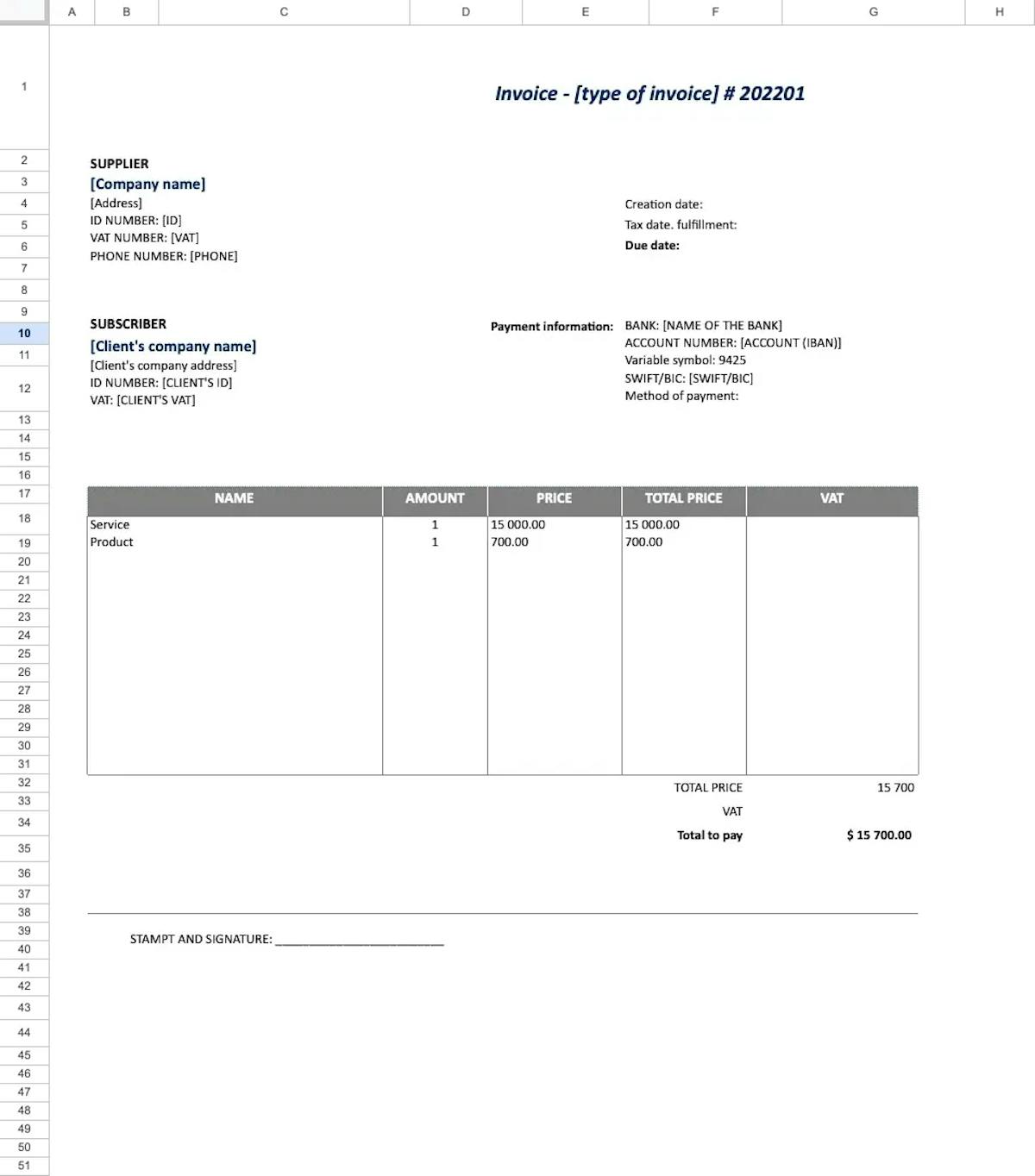
Invoice templates for Excel


Invoice like a pro.
Your clients will see that your invoice matches your brand.
Add your logo or stamp in just seconds. Editable templates make it easy to customize everything to fit your business.

Your logo on every invoice
Upload your own logo and make every invoice look professional and unmistakably yours.

10 types of documents
Choose what you want to issue - invoice, receipt, quote, estimate and others.

Add your Signature
Need a company stamp/signature on your invoice? Just upload it – it'll show up automatically.