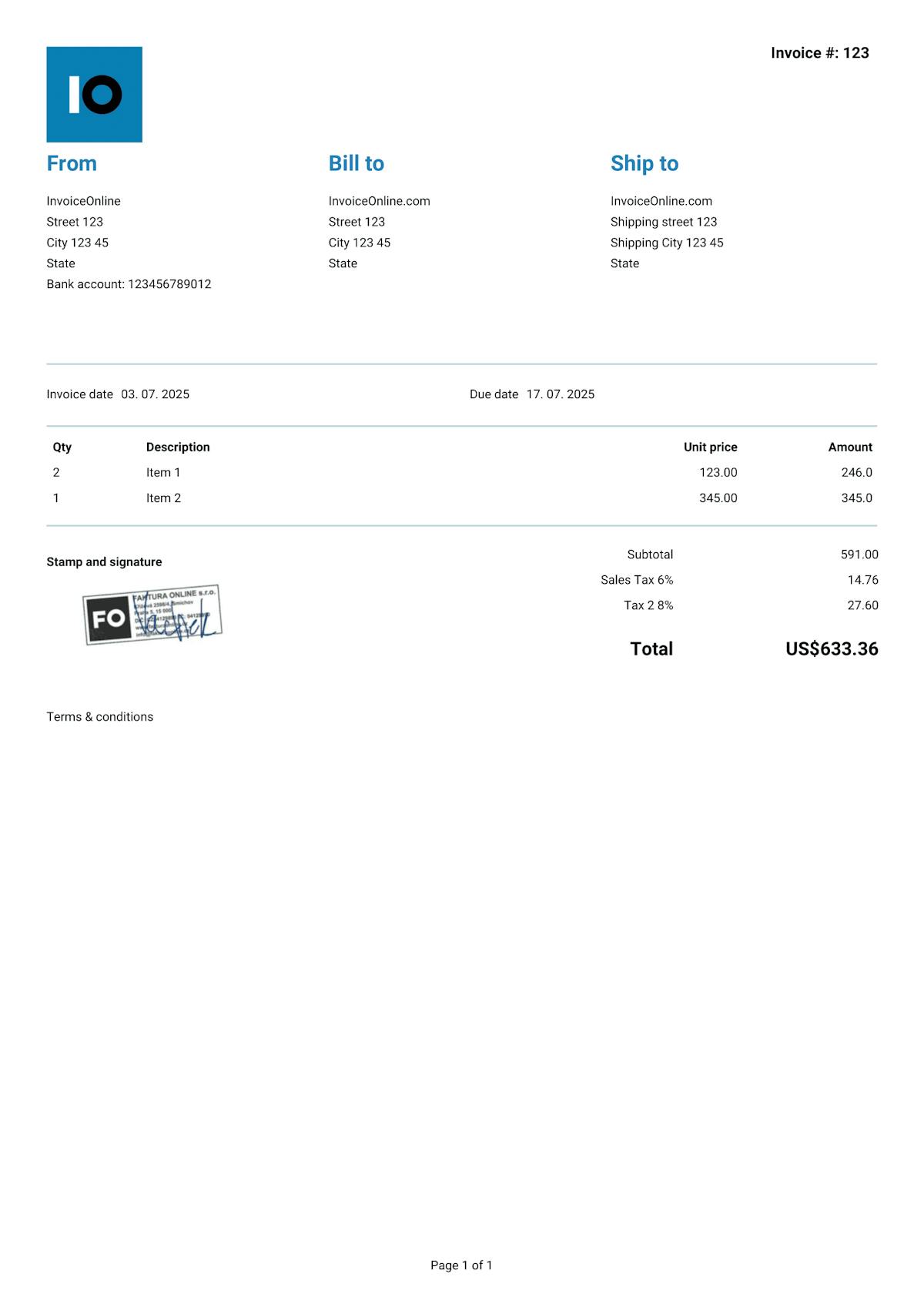
Invoice Template Google Docs
Google Docs is a free word processor you can use on any device with an internet connection. It can work in a pinch for invoicing – but like Word, it wasn't built for creating invoices. We'll cover what an invoice in Google Docs needs to include, the pitfalls to watch out for, and when it makes sense to switch to a dedicated invoicing tool.



What does an invoice need to include?
It doesn't matter whether you create your invoice in Google Docs, Word, or any other app – the essential information stays the same. While the IRS doesn't require a specific format, missing key details can lead to payment delays, disputes, or problems during an audit.
Essential elements
Invoice number – every invoice needs a unique number within your numbering system (e.g. "Invoice #20250020").
Seller information – your business name (or full name if you're a sole proprietor), business address, and EIN or SSN. If registered for sales tax, include your state tax ID.
Buyer information – the customer's name or business name and billing address.
Invoice date – the date the invoice was created.
Description of goods or services – what exactly you're billing for: item description, quantity, unit price, and line total.
Sales tax (if applicable) – the applicable state and/or local sales tax rate, the taxable amount, and the tax total. Requirements vary by state.
Total amount due – the grand total including all line items and applicable taxes.
Recommended elements
Payment due date – the deadline for payment (e.g. Net 30, Net 15, Due on Receipt).
Payment information – bank account and routing number, or accepted payment platforms (Zelle, Venmo, PayPal, etc.).
Payment terms – any late fees, early payment discounts, or accepted payment methods.
Purchase order (PO) number – if the client provided one, including it helps speed up payment processing.
What to watch out for when invoicing in Google Docs
Compared to desktop editors, Google Docs has a few specific limitations that really matter when you're invoicing:
No calculations – just like Word, Google Docs doesn't do math. Totals, sales tax, and final amounts all have to be figured out on your own and typed in by hand.
Needs internet – without a connection, you can't get to your document. There is an offline mode, but you have to set it up ahead of time.
Limited table formatting – tables in Google Docs are more basic than in Word. Getting columns lined up and making the invoice look polished takes a lot more manual work.
Sharing = risk – if you share the doc via a link, anyone with access can edit it. Unlike a PDF, you've got no control over what the recipient does with the file.
-
Manual numbering and tracking – Google Docs doesn't keep track of your invoice numbers or maintain any kind of log of what you've sent out.

Heads up!
Never share an invoice as a Google Docs link. The recipient could change the amount, the date, or other details – and you'd never even know. Always download as PDF (File → Download → PDF).
With InvoiceOnline.com you don't have to deal with any of that. Every invoice is automatically generated as a locked-down PDF that can't be edited after the fact. Your customer always gets exactly what you issued, and all your documents are stored securely in the cloud – accessible from anywhere, with no risk of losing files or unauthorized changes.

Invoice templates for Google Docs
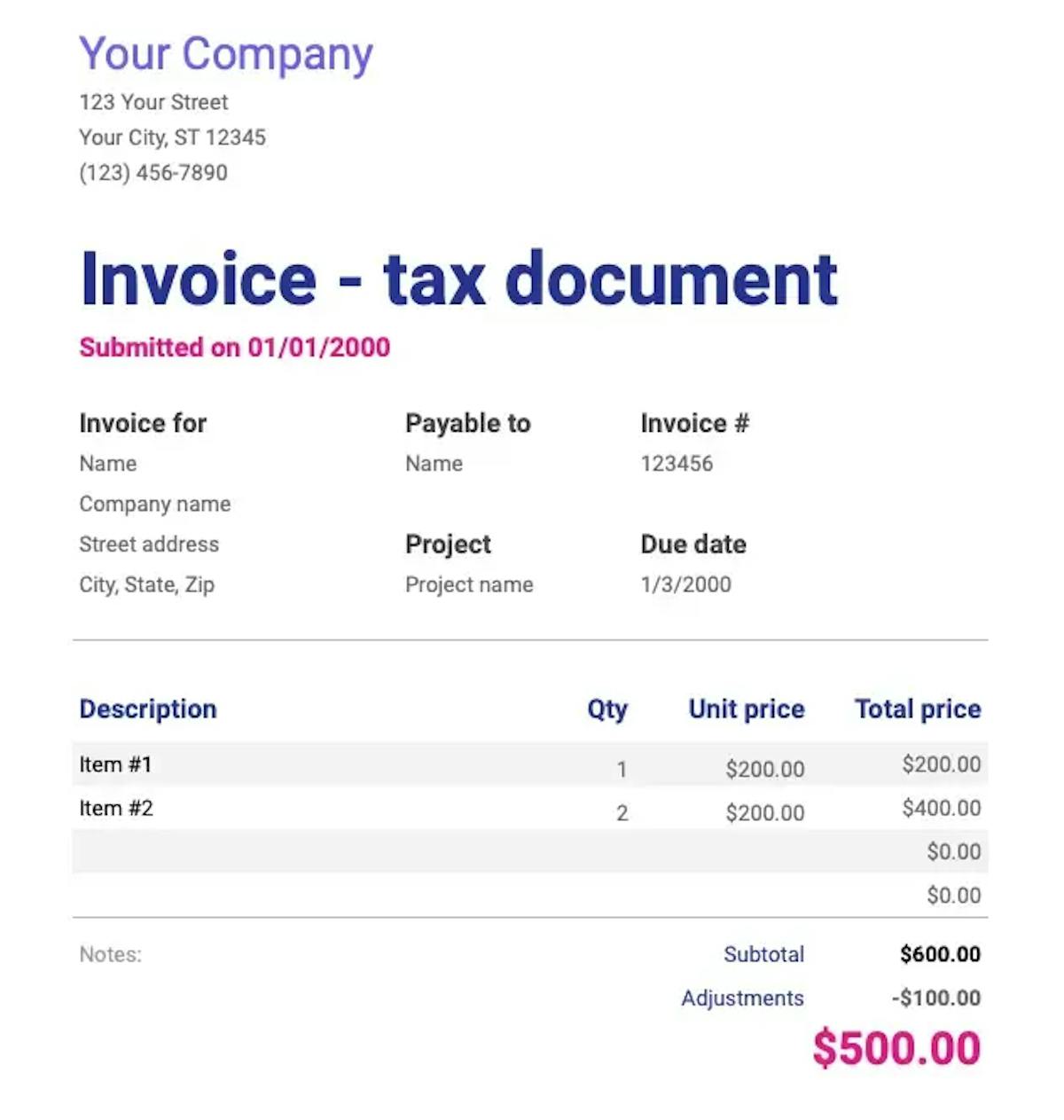
Invoice like a pro.
Your clients will see that your invoice matches your brand.
Add your logo or stamp in just seconds. Editable templates make it easy to customize everything to fit your business.

Your logo on every invoice
Upload your own logo and make every invoice look professional and unmistakably yours.

10 types of documents
Choose what you want to issue - invoice, receipt, quote, estimate and others.

Add your Signature
Need a company stamp/signature on your invoice? Just upload it – it'll show up automatically.