Invoice Template Word
Microsoft Word is a go-to for many freelancers and small business owners who need to put together an invoice fast. Compared to spreadsheets, it's easier to work with layouts and text – but invoicing in Word comes with its own set of headaches. We'll walk you through what an invoice in Word should look like, what info needs to be on it, and when it makes more sense to switch to online invoicing.

What needs to be on an invoice?
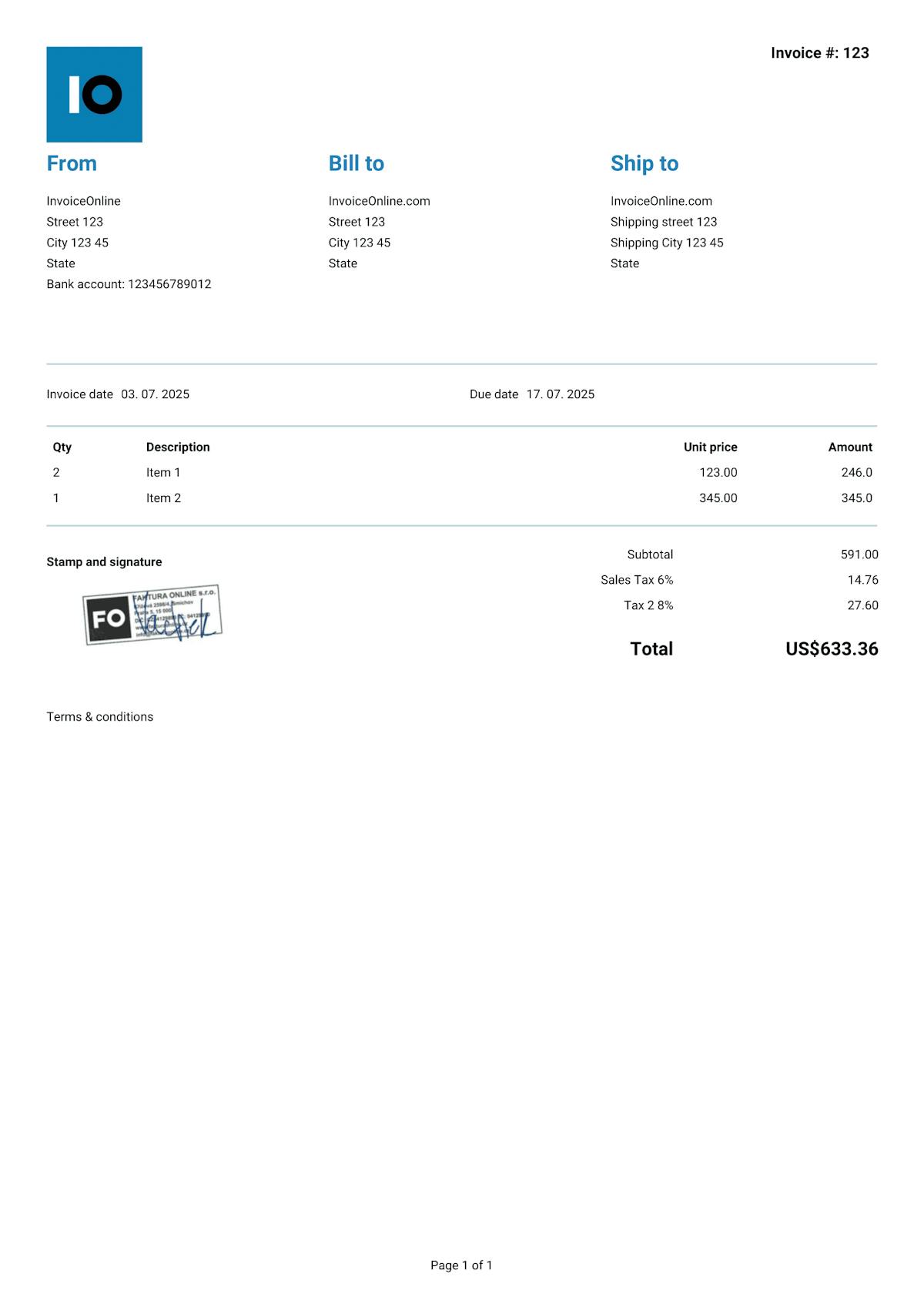
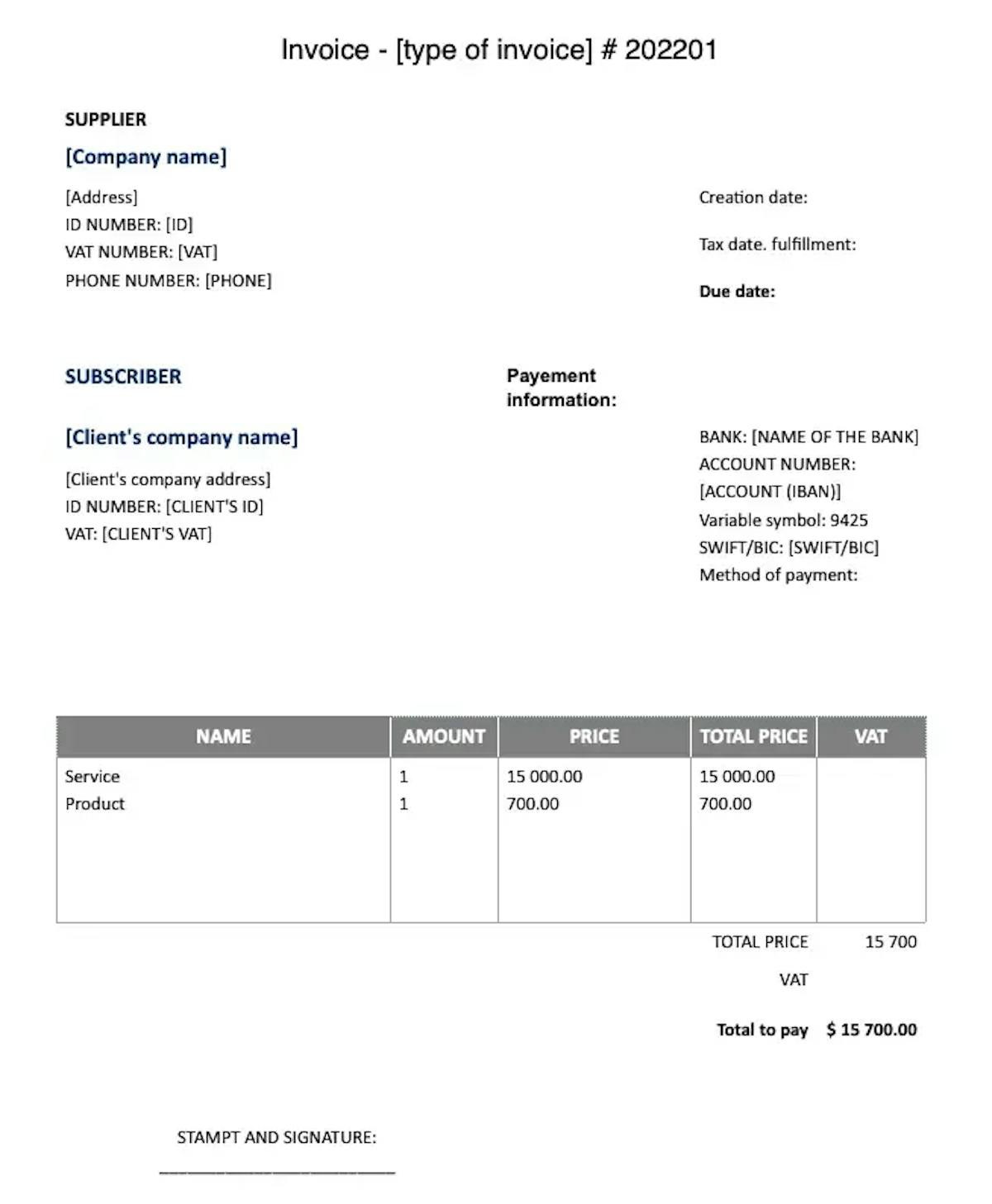
The format doesn't matter – whether you create your invoice in Word, Excel or on paper, the required info is always the same. Missing any of it can mean your client refuses to pay, or you run into issues if the IRS comes knocking.
Required info
Invoice number – a unique identifier (e.g. "Invoice #20250015") that follows a consistent numbering system.
Your info – your business name (or your full name if you're a sole proprietor), address, and EIN (Employer Identification Number). If you're a sole proprietor without an EIN, your SSN may be required on certain tax documents – but never put it on a standard invoice.
Client info – business name or full name, address, and EIN or tax ID (for B2B transactions).
Invoice date – the date you're issuing the invoice.
Description of goods or services – what you're billing for: item or service name, quantity, unit price and line total.
Sales tax (if applicable) – there's no federal sales tax in the US, but most states and some cities charge their own. If you're required to collect sales tax, list the rate, the taxable amount and the tax total separately. Rules vary by state, so check your local requirements.
-
Total amount due – the sum of all line items plus any applicable sales tax.
Recommended info
Payment terms – when you expect to get paid: Net 30, Net 15, Due on Receipt, or a specific due date.
Payment details – bank name, routing number and account number (for ACH/wire transfers).
Payment methods accepted – bank transfer, Zelle, Venmo, PayPal, check.
Late fee policy – if you charge interest or a flat fee on overdue invoices, spell it out upfront (e.g. "1.5% monthly on balances past due").
Early payment discount – offering a small discount for quick payment can speed things up (e.g. "2/10 Net 30" = 2% off if paid within 10 days).
What to watch out for when invoicing in Word
Word is a word processor first, not an invoicing tool. When you use it to create invoices, you're going to run into a few common pain points:
Manual math – Word doesn't do formulas. For invoices with multiple line items or sales tax, you're calculating every total by hand – and that's where rounding errors and cent-level mistakes creep in.
Layouts that break – add a longer item description and the whole table shifts. What looks clean on your screen can look like a mess on your client's.
Manual numbering – without an automated system, it's only a matter of time before two invoices end up with the same number.
No tracking – Word doesn't keep a record of what you've sent. You need a separate system to track outstanding invoices.
-
No backups – delete the file or have your hard drive crash, and that invoice is gone for good.

Heads up!
Never send an invoice as a .docx file. Your client could easily change the amount, the date, or any other detail. Always export to PDF.
With InvoiceOnline.com, none of that is a problem. Every document is automatically generated as a locked-down PDF that can't be edited after the fact. Your client always gets exactly what you sent – and you've got a complete record safely stored in the cloud.

Invoice Templates for Word


Invoice like a pro.
Your clients will see that the invoice matches your brand.
Add your logo or stamp in just seconds. Editable templates make it easy to customize everything to fit your business.

Your logo on every invoice
Upload your own logo and make every invoice look professional and unmistakably yours.
10 types of documents
Choose what you want to issue - invoice, receipt, quote, estimate and others.

Add your Signature
Need a company stamp/signature on your invoice? Just upload it – it'll show up automatically.