MINI plan
MINI Plan Features
The MINI plan gives you access to two core features:
-
Invoice Issuing
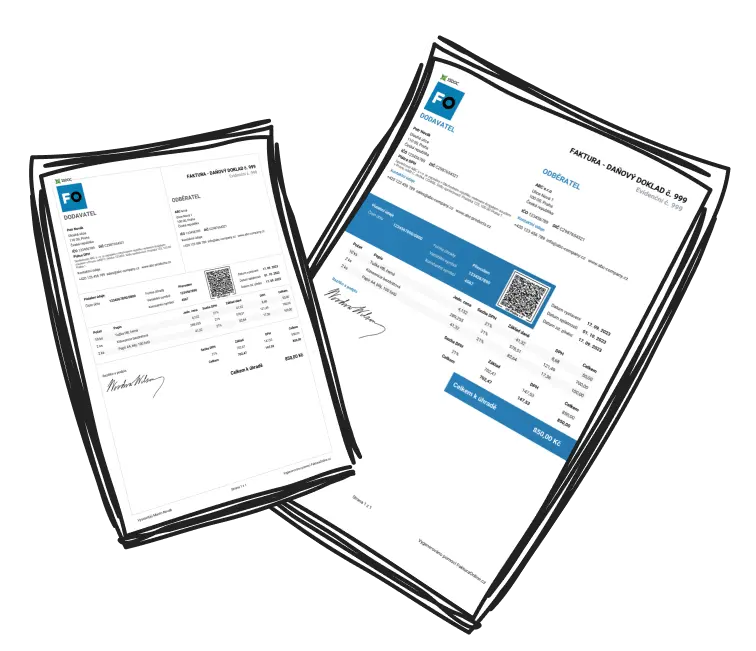
Need to create an invoice quickly and without complications? InvoiceOnline automatically numbers your invoice based on the selected numbering sequence.
-
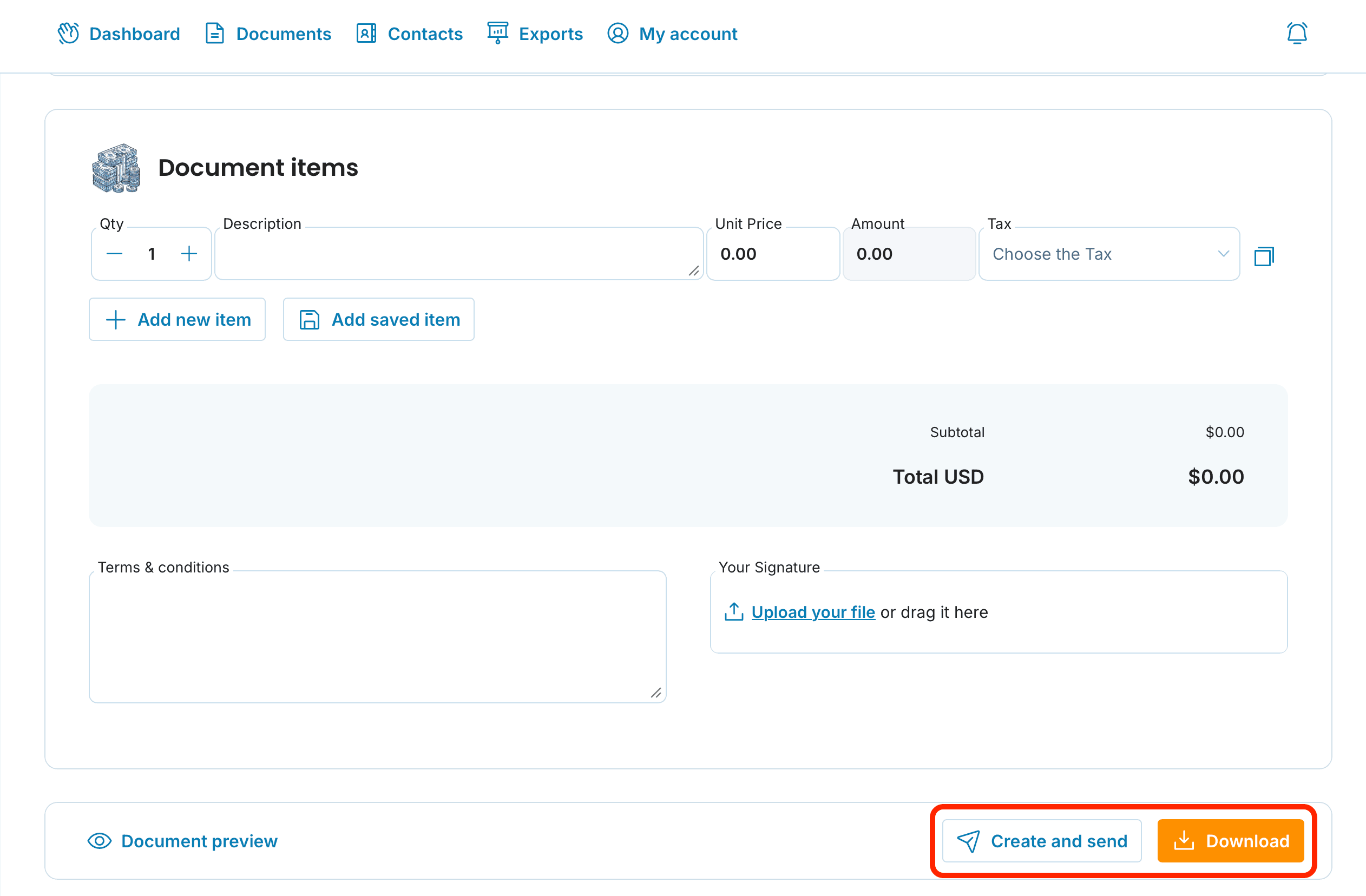
Invoice Download & Email Delivery
Each invoice can be downloaded to your computer or sent directly via email at the time of creation. The sender email address is the one linked to your user profile, and you can freely customize the message content in the Email Templates section. You’ll find templates in Company settings, and each business has its own.

Can invoices be edited later?
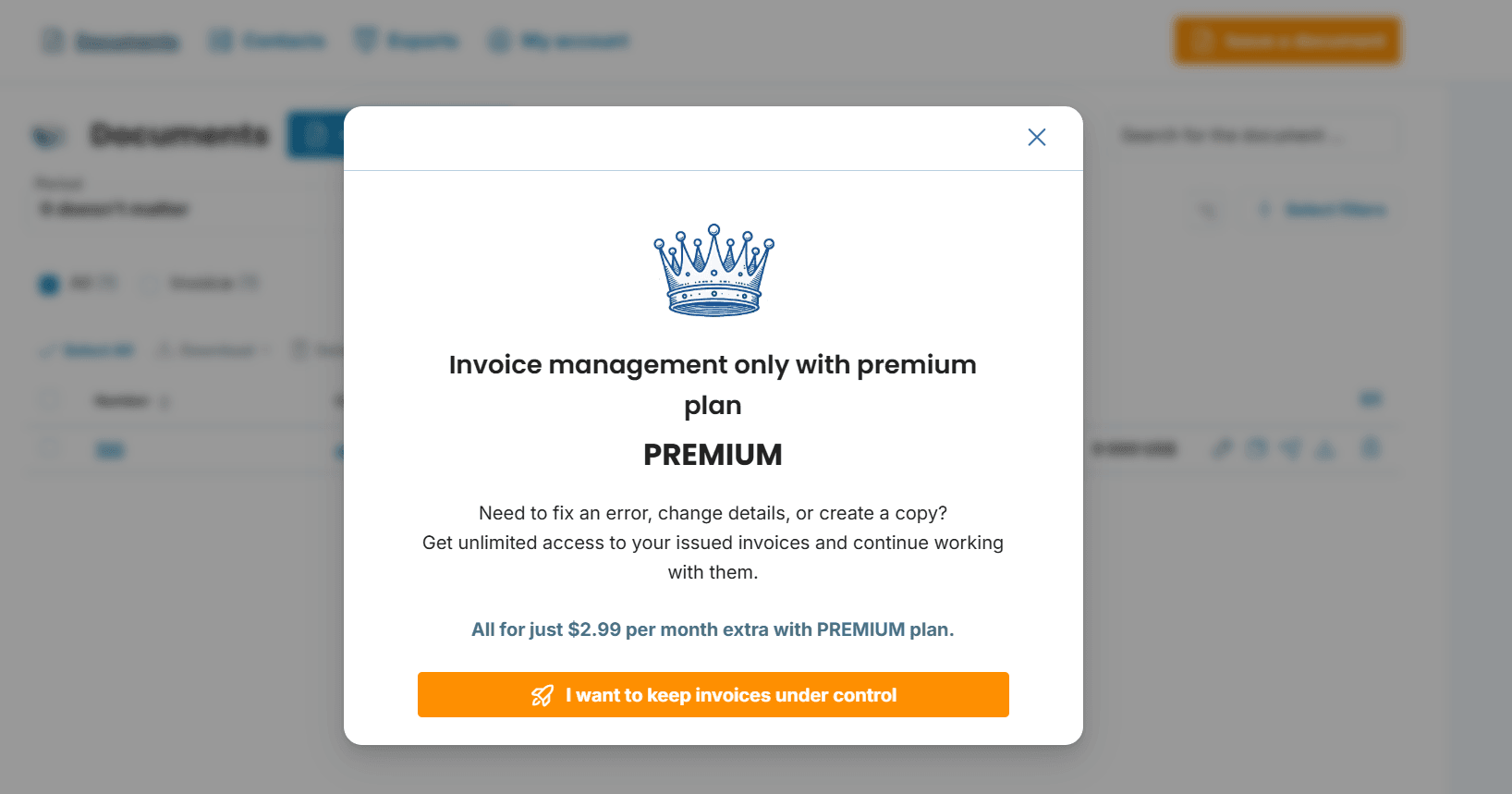
With the MINI plan, invoices can be downloaded to your computer or sent via email immediately after they’re issued. Editing and managing invoices after they’ve been created is available only to users subscribed to the PREMIUM plan.
Upgrading from the MINI Plan to the PREMIUM Plan
If you’re already using a prepaid MINI plan, you can upgrade to the PREMIUM plan at a discounted rate — based on the remaining duration of your MINI subscription. Full details on switching from MINI to PREMIUM can be found in this article.
Your MINI Plan Applies to One Business
Your plan is tied to a specific business, not to your login. If you have several businesses under one login, each has its own plan, so one can be on MINI and another on PREMIUM. To manage your plan, including an upgrade to PREMIUM, click the business name in the top right → Company settings → Manage subscription. Any change applies only to the business you currently have selected. You pay less for the second and every further business. Find out more in our guide to multiple businesses under one login.