MINI plan

Share on:
MINI plan
The MINI plan offered by InvoiceOnline is designed for creating invoices and downloading them immediately. It’s ideal for users who want to issue invoices quickly and easily, but don’t need to archive or edit them later within the interface.

MINI Plan Features

The MINI plan gives you access to two core features:

  1. Invoice Issuing

    Need to create an invoice quickly and without complications? InvoiceOnline automatically numbers your invoice based on the selected numbering sequence.

  2. Invoice Download & Email Delivery

    Each invoice can be downloaded to your computer or sent directly via email at the time of creation. The sender email address is the one linked to your user profile, and you can freely customize the message content in the Email Templates section.
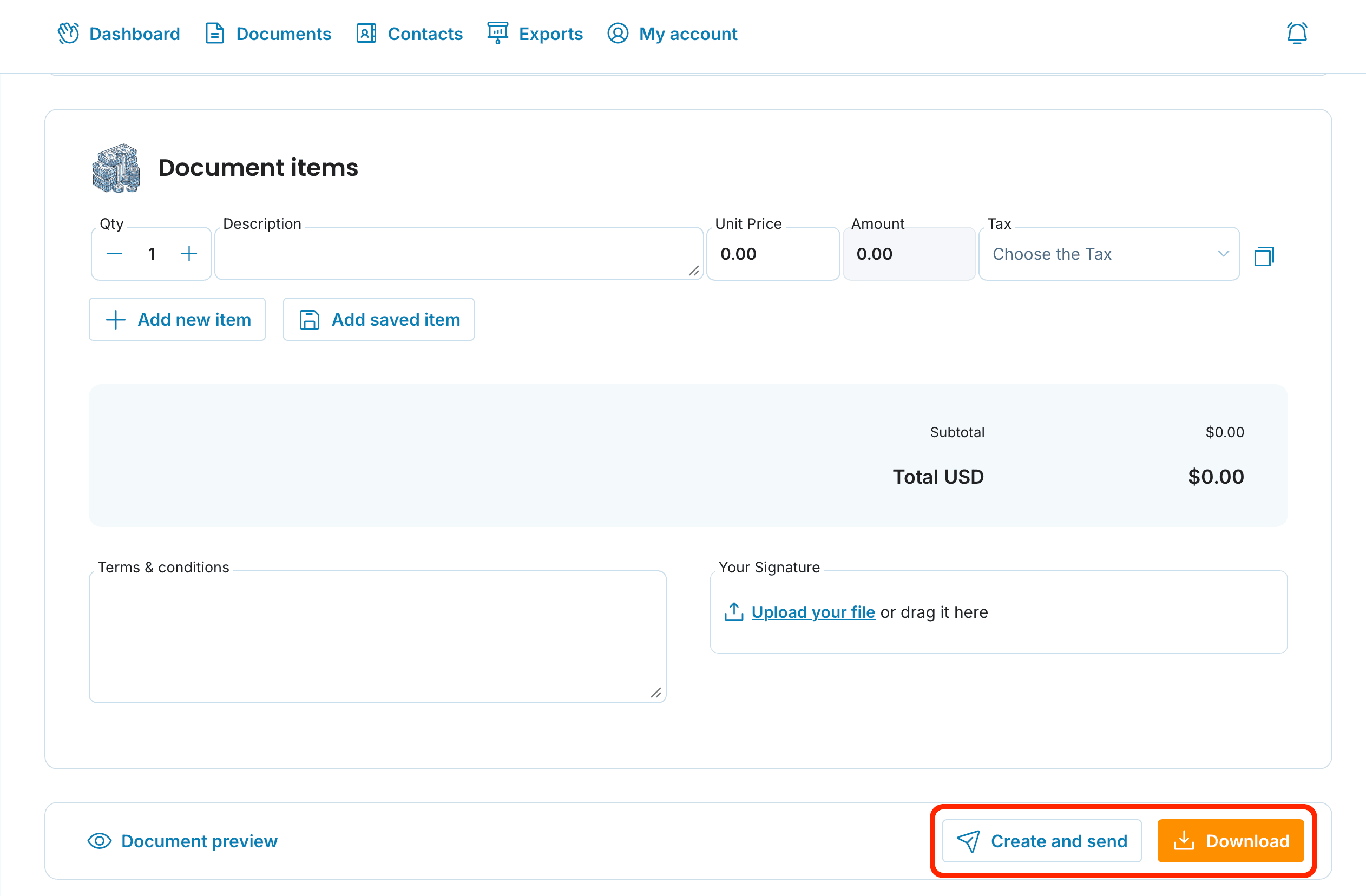
Mini plan create and send X download preview

Box illustration

Can invoices be edited later?

With the MINI plan, invoices can be downloaded to your computer or sent via email immediately after they’re issued. Editing and managing invoices after they’ve been created is available only to users subscribed to the PREMIUM plan.
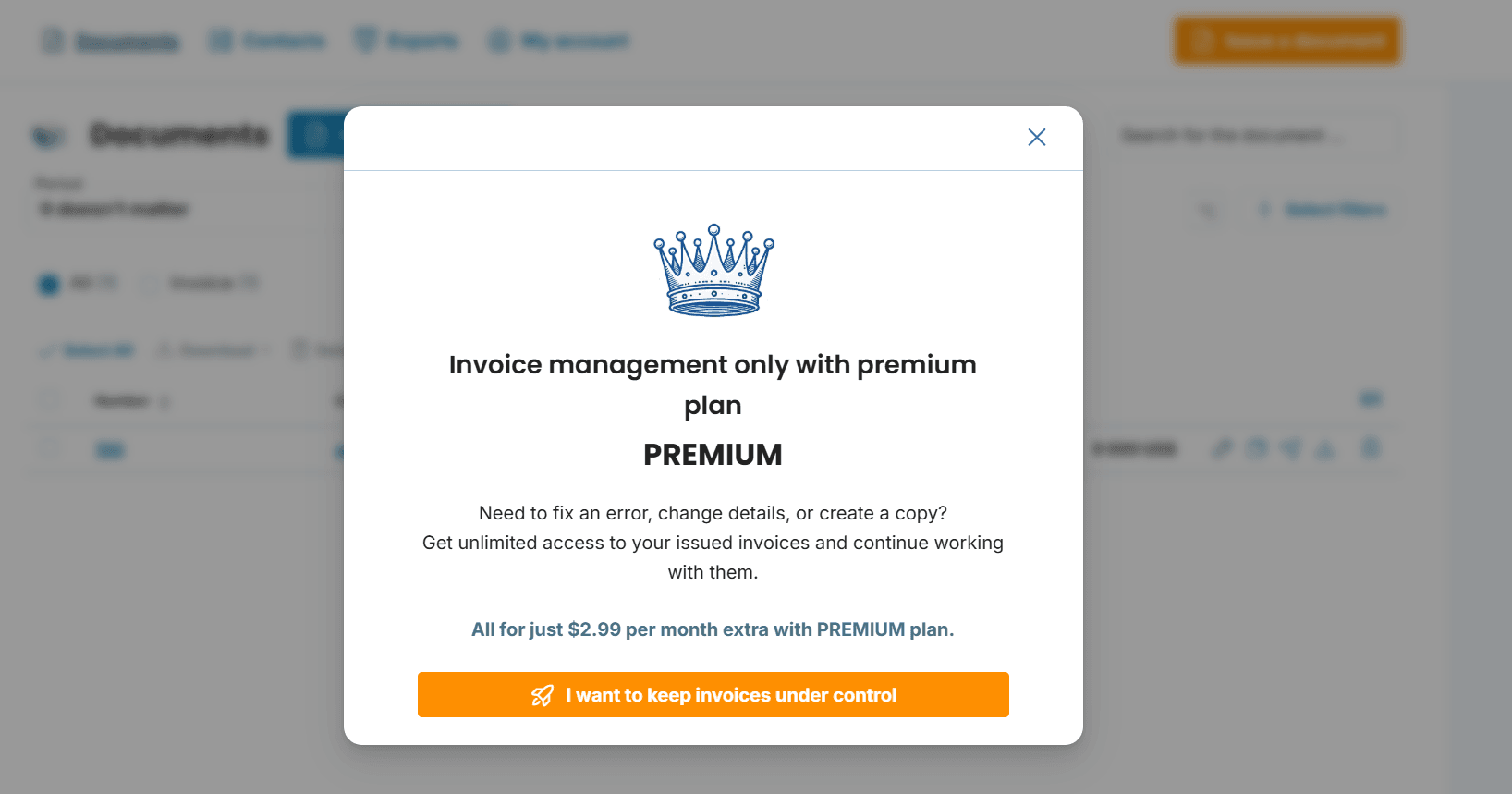
Notification About Switching from the MINI Plan to PREMIUM

Upgrading from the MINI Plan to the PREMIUM Plan

If you’re already using a prepaid MINI plan, you can upgrade to the PREMIUM plan at a discounted rate — based on the remaining duration of your MINI subscription. Full details on switching from MINI to PREMIUM can be found in this article.

Related articles

MINI or PREMIUM – What Suits You Best?
1/20/2026

At InvoiceOnline, we offer two service levels: MINI and PREMIUM. To help you decide which one aligns best with your invoicing requirements, we’ve outlined a side-by-side comparison below.

PREMIUM plan
1/5/2024

Curious about what the PREMIUM plan includes? This article walks you through the key tools and advantages it offers — perfect for individuals and businesses looking for smarter, more efficient invoice management with enhanced features.

All about the Trial period
1/5/2024

You can try InvoiceOnline for free during the trial period. How long does it last? Which plan and features will be available during this time, and what happens when it ends? Read on to learn everything you need to know about the free trial.