Trial period: What’s included and what happens next?

How long does the Trial period last? 🕒
The trial period on InvoiceOnline.com lasts 5 weeks from the moment of registration. During this time, you can try out all features without any restrictions. No payment details required and no commitments.

PREMIUM features
Throughout the entire trial period, you’ll have full access to the PREMIUM plan, which includes a wide range of features, such as:
editing and deleting invoices retroactively
contact management and overviews
duplicating invoices
sorting and collective downloading of invoices
invoice status tracking (paid - overdue - etc.)
What happens after the trial ends?
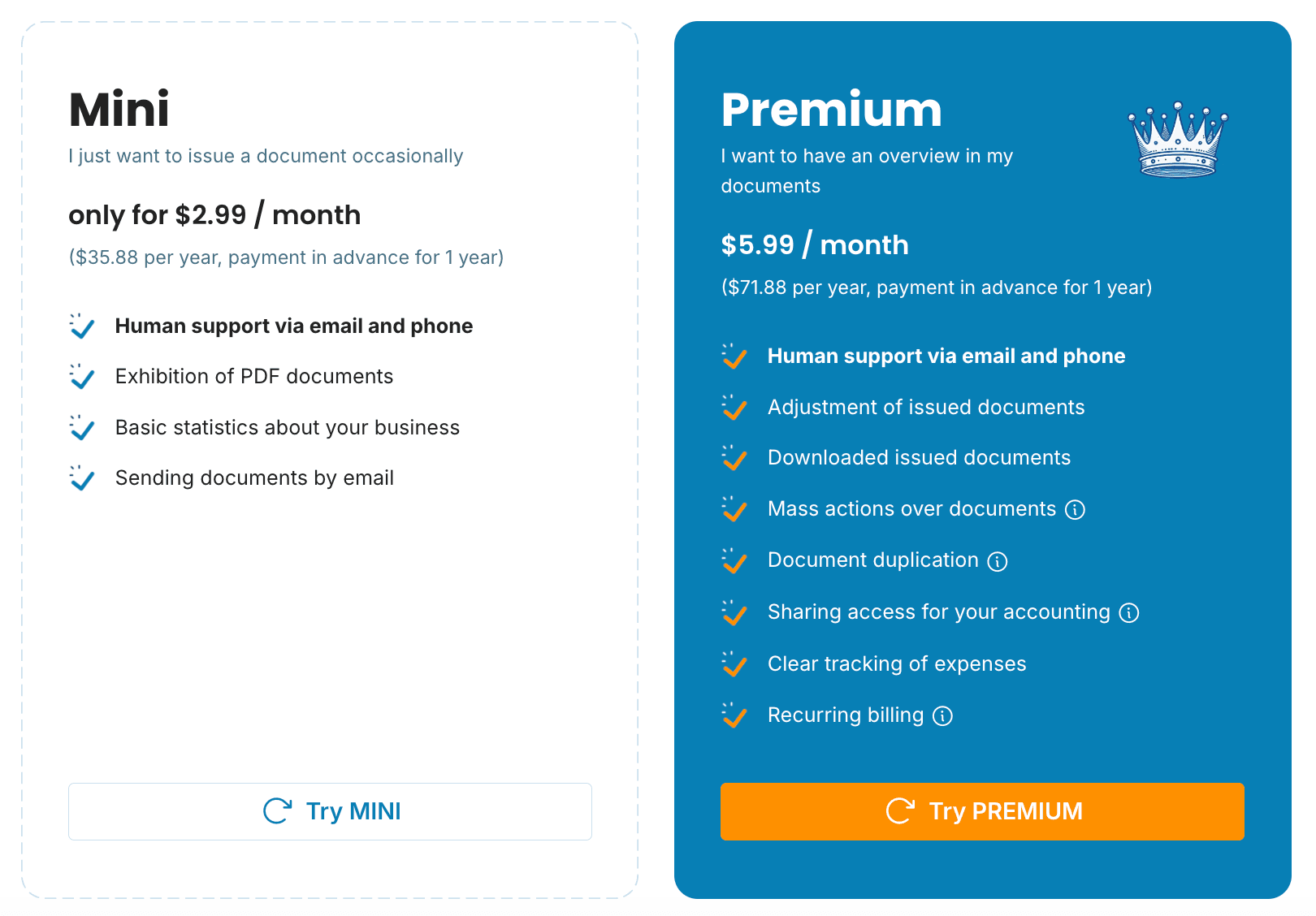
At the end of your 5-week trial, we’ll notify you by e-mail and offer you options to continue. If you’re satisfied with InvoiceOnline.com, you can easily continue by choosing one of our plans: MINI or PREMIUM.
If you choose NOT to select a plan
your account will become inactive
none of your past data will be lost
-
you don’t have to pay anything - the account will simply stay inactive until you decide what to do next
Don’t want to continue with InvoiceOnline?
If you decide to delete your account permanently, simply send us an email at [email protected]. Upon your request, we’ll permanently delete your account and all associated data.
Summary
the trial period lasts 5 weeks, completely free and without obligation
nothing is charged automatically when it ends
you can upgrade anytime to the MINI or PREMIUM plan
to fully delete your account, contact us via email
