Document items
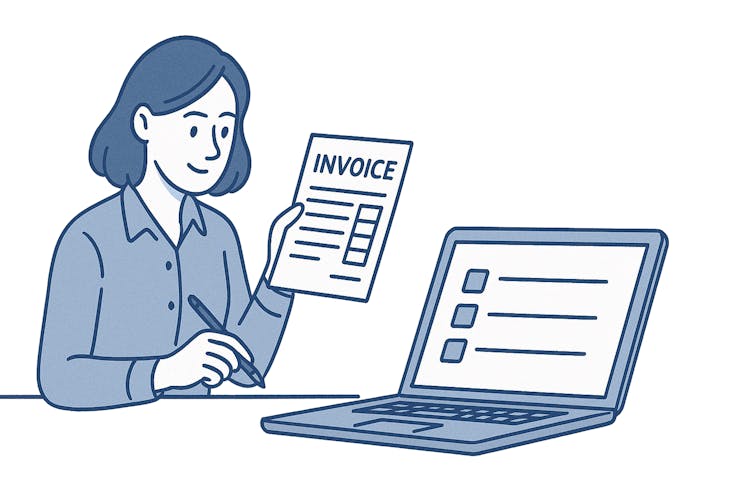
If you invoice the same things every month – such as consultation hours or regular maintenance – there's no point in filling in the name, price, and unit of measure each time. Saved items save you time while ensuring that your invoices always have the same description and price. Saved items are also useful for maintaining consistent naming – your customer sees the same service description on all invoices.
How to save a new item
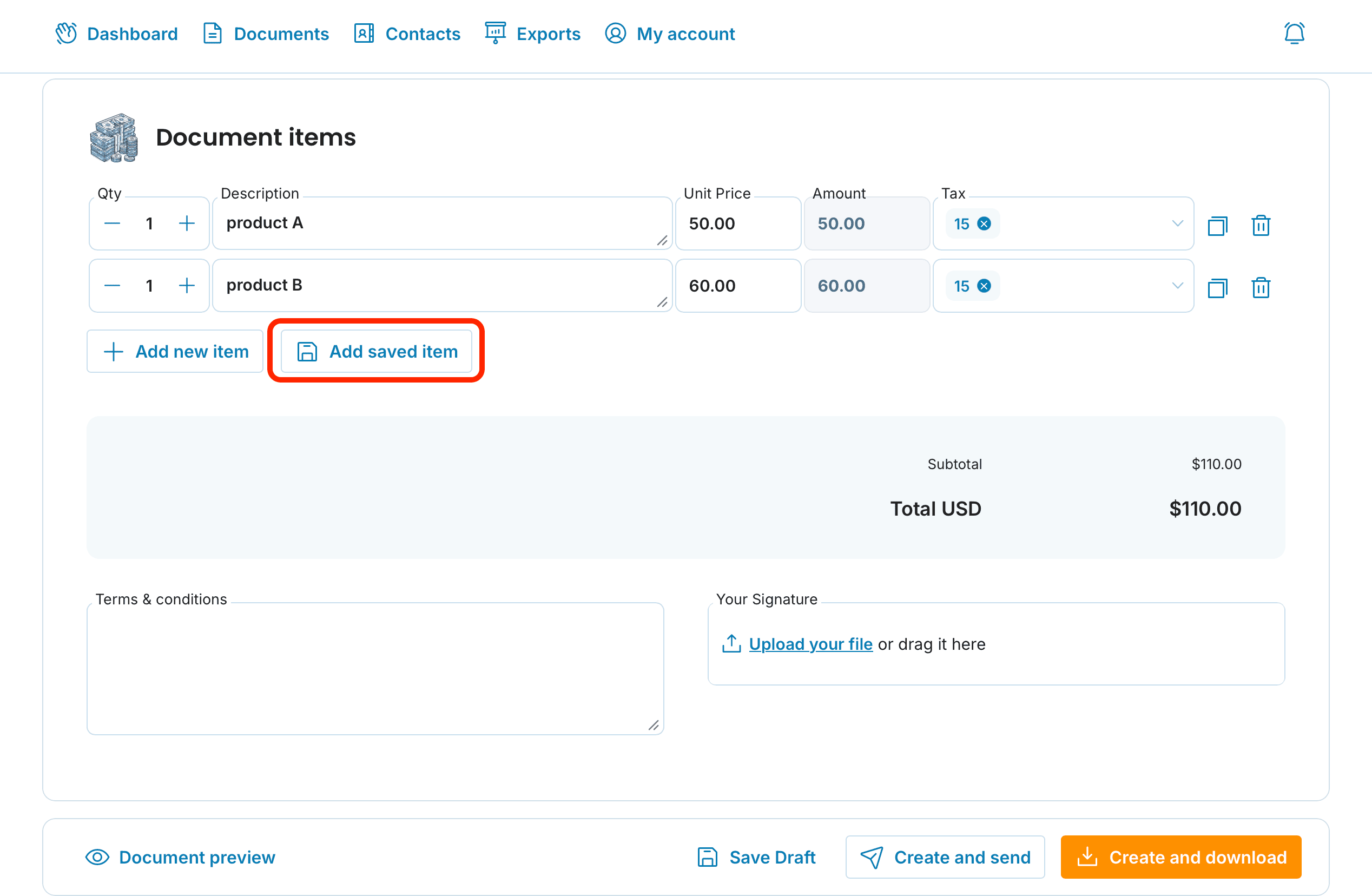
In the Document items, click Add saved item
Fill in the name, unit of measure, tax rate, and price
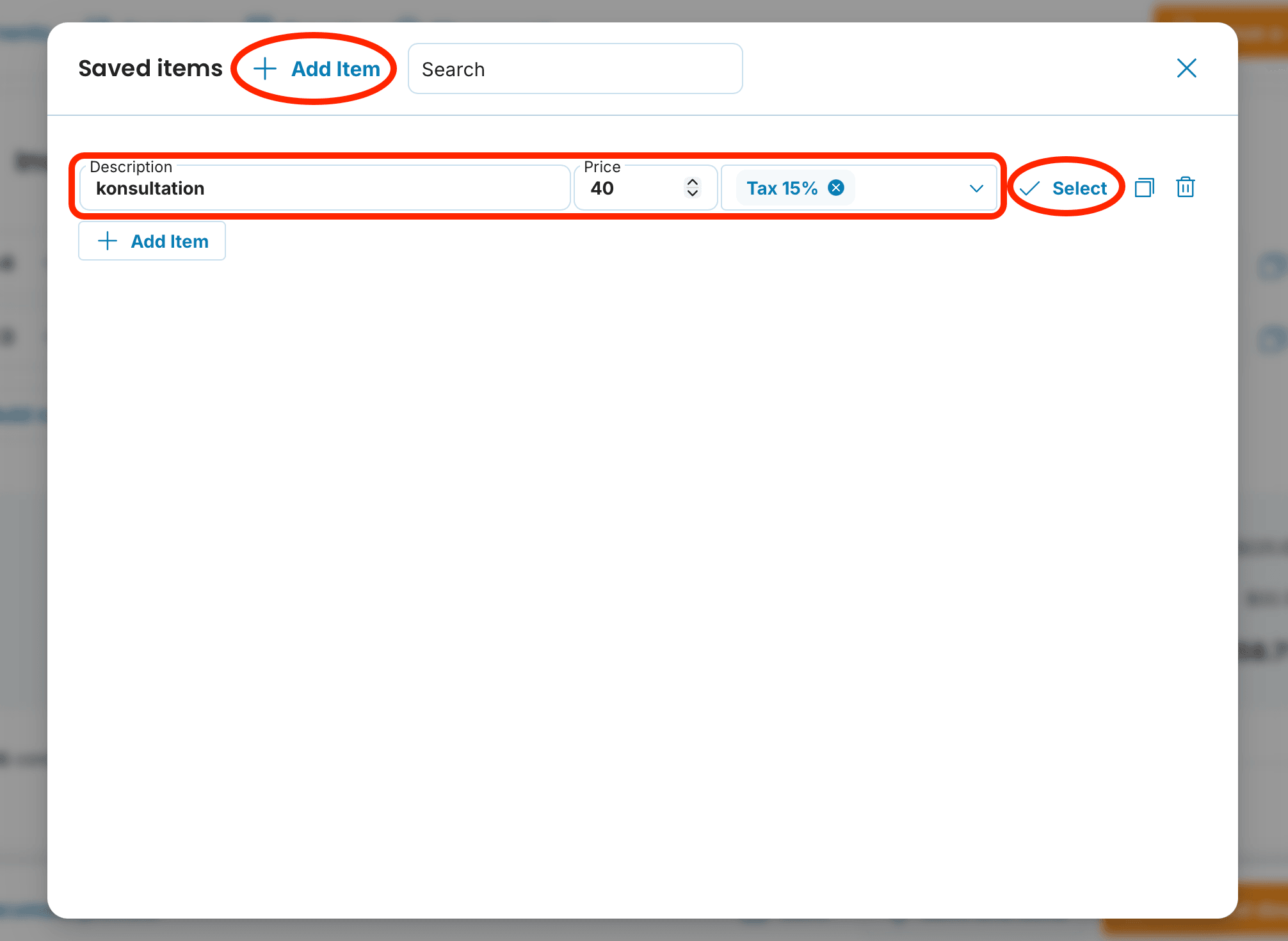
The item will be saved to your list and you can insert it by clicking Add saved item and then clicking Select

What do the individual icons on the right side of items mean?
Duplicate: The item will be copied in its entirety.
Trash: Used to delete an item with one click.
Editing and deleting saved items
Saved items aren't set in stone. You can always:
change the name, price, or unit of measure
completely remove an item from the list by clicking the trash icon

If you change the price of a saved item, older invoices will remain unchanged. Changes only apply to newly issued documents.
📩 If you have any problems with the settings, contact us by e-mail at [email protected]. We're happy to help.
documents with easeCreate Document