Invoice Personalization: Make Your Invoice Part of Your Brand
An invoice reaches every client
You have to win people over to your website or social channels. Your invoice gets there on its own. It is one of the few business documents that lands in front of every client, often more than once, so leaving it as a gray table from a text editor is a missed chance.
When a client sees your logo on the invoice, they connect the document to your brand the same way they connect your website or email signature. An invoice that matches your visual style and carries a signature or stamp reads as more professional than a bare table. With a new client who does not know you yet, that first impression can decide how much they trust you.
Three ways to make an invoice yours
Logo
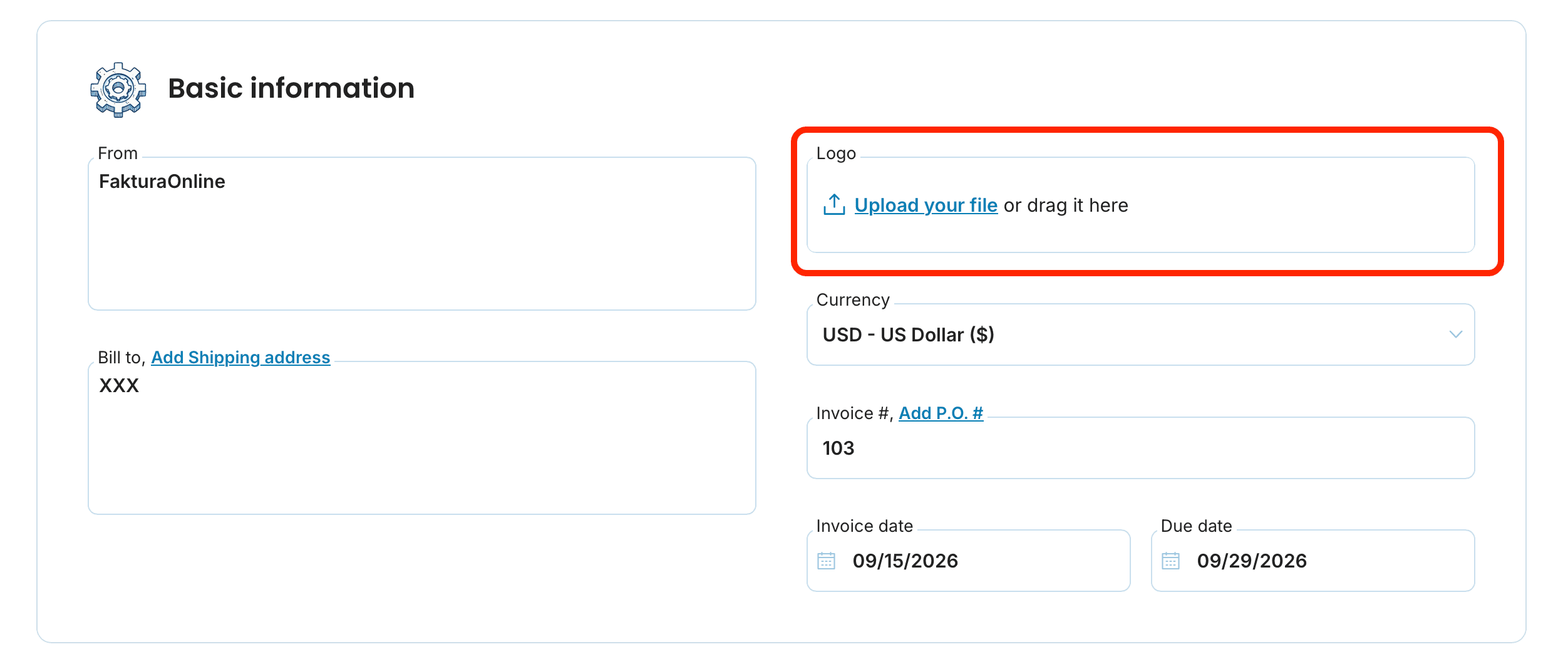
Upload your logo while creating an invoice, in the Basic information section. It then appears next to your supplier details. The step-by-step walkthrough is in the guide to adding a logo and signature.
Signature and stamp
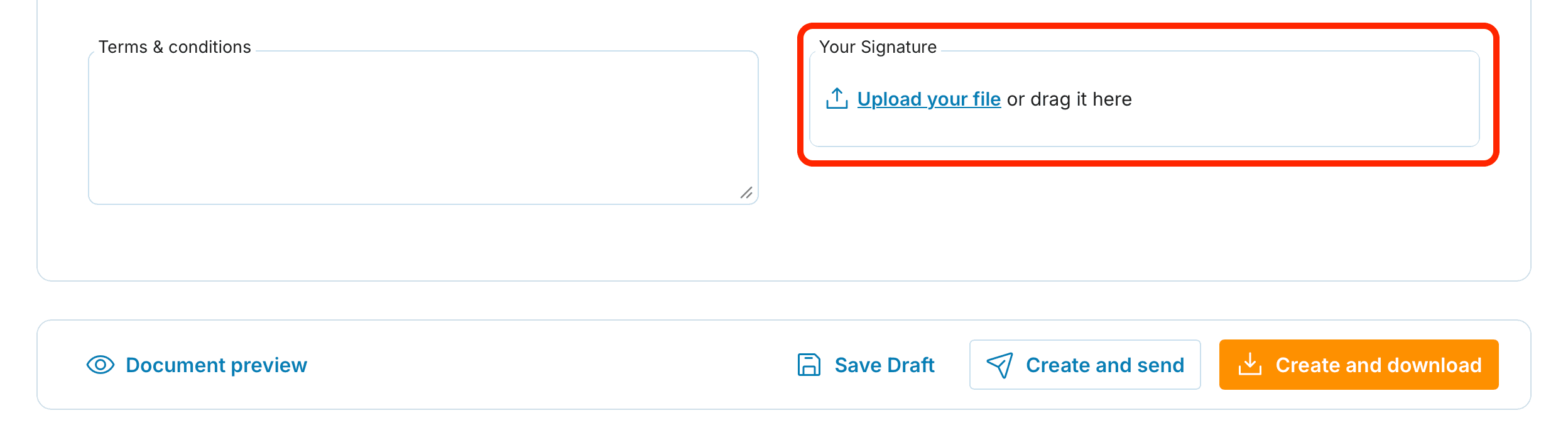
Add a scanned signature or stamp as an image in the same Settings section. Supported formats are JPG, JPEG, GIF, and PNG. After uploading you see a preview and can crop the image so it sits cleanly.
A few tips to make it look right
Upload your logo in good quality and trim white margins, or it can look distorted or float away from the text.
Scan your stamp cleanly, ideally on a white background, so it does not cover the invoice content.
Check the preview at the bottom of the screen before you issue the invoice.
Your logo and stamp are saved as the default after you issue an invoice, so you set them once.

Issue your first personalized invoice as a test just for yourself. Check the logo and stamp in the real PDF and fix anything before it goes to a client.
Does personalization affect the required invoice details?
No. Logo and signature change only the look. The mandatory details stay the same.
Where do I set the logo and colors?
While creating an invoice, in the Settings section (expand it if hidden). Language and currency are there too. Check the result with the preview.
What formats can the logo or stamp use?
A JPG, JPEG, GIF, or PNG in good quality. You can crop after uploading.
documents with easeCreate Document