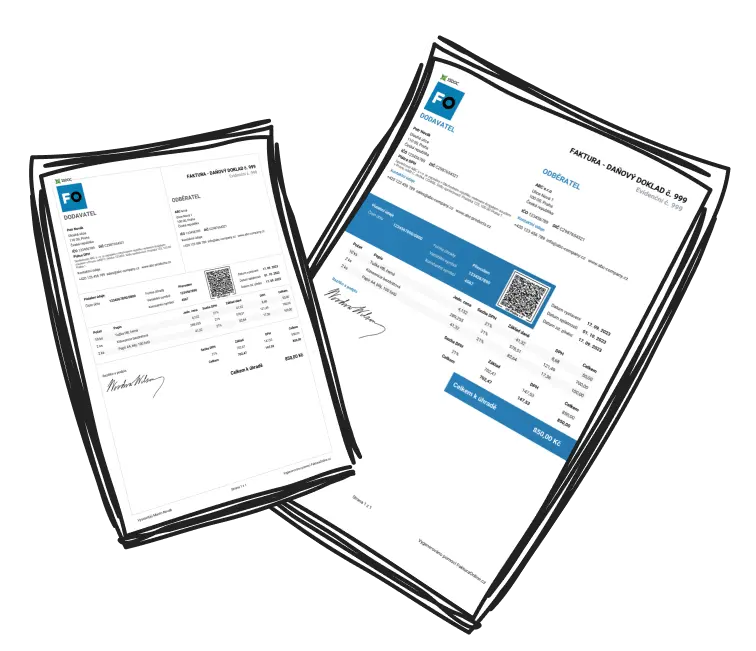
Invoice with or without sales tax: how to set up tax on your invoice
No VAT, but sales tax
The United States has no VAT. Sales tax is set by states and local governments, so whether you charge it depends on what you sell and where. If you are not sure, check with your state tax agency before you send the invoice.
That gives you two kinds of invoice: one with sales tax on some or all items, and one with no tax at all.
Invoice with sales tax |
Invoice without tax |
|
|---|---|---|
Tax column |
a rate on each taxable item |
left empty |
Total |
subtotal plus tax |
equals the subtotal |
Type of document |
Invoice |
Invoice |

Only add tax to an invoice when you are required to collect it. Tax you collect from a client is not your income. You owe it to the state.
How to set it up in InvoiceOnline
Log in and open the form for a new document. If this is your first one, start with the guide on how to issue a document with InvoiceOnline.
Under Type of document, select Invoice.
In Document items, enter the quantity, description and unit price for each line.
In the Tax column, pick the rate for each taxable line. The list offers No Tax and several Sales Tax rates. If your rate is not there, choose Add another tax.
Check the total and issue the invoice.


Tax is set per line. If only some of your items are taxable, add a rate to those lines and leave the others without tax.
If you do not collect tax on the sale, leave the Tax column empty. The whole process is described in the guide How to create an invoice without tax.
Other types of document
The Type of document list also offers Tax Invoice, Pro Forma Invoice, Receipt, Sales Receipt, Cash Receipt, Quote, Estimate, Credit Memo, Credit Note, Purchase Order and Delivery Note.
Frequently asked questions
Do I have to charge sales tax on every invoice?
No. It depends on your state, on what you sell and on where your client is. Your state tax agency can tell you which of your sales are taxable.
Can one invoice have taxable and non-taxable items?
Yes. Tax is set for each line, so you can add a rate to the taxable items and leave the rest without tax.
My tax rate is not in the list. What do I do?
Choose Add another tax in the Tax column and enter your own rate.