How to create a pro forma invoice

When to send a pro forma invoice
A pro forma invoice tells your customer what you are going to deliver and how much it will cost, before you deliver it. Use it when you want to be paid upfront, when the customer needs a document to approve the purchase, or when an overseas buyer needs it to arrange payment or import paperwork.
A pro forma invoice is not a final bill. It does not record a sale, so it does not go into your books as income. Once the deal is done, you send a regular invoice.

Shipping goods abroad? Customs may accept a pro forma invoice in advance, but the shipment itself usually needs a commercial invoice. Check with your carrier or customs broker.
How to create a pro forma invoice step by step
1. Open a new document
After logging in, open the form for a new document. If you are using it for the first time, start with our guide to issuing a document.
2. Choose the document type Pro Forma Invoice
In Type of document, select Pro Forma Invoice.
3. Fill in your customer's details
In Bill to, enter the customer's name and address and check that they are correct. If you ship to a different address, add it as the shipping address.
4. Add the items and due date
Describe each item, its quantity and unit price. If you charge sales tax, include it so the total matches what the customer should actually pay. Set the due date so the customer knows when to pay.
5. Issue the pro forma invoice
Review the details and issue the document – download it as a PDF or email it to the customer directly from the app.
What to do once the customer pays
Once the customer has paid and the deal is done, create a regular Invoice for the same customer and items, so you have a final record of the sale.
Asking only for part of the price upfront? Use a deposit invoice instead, as described in how to create a deposit invoice.
What to include on a pro forma invoice
the label “Pro Forma Invoice” and its number,
your details and your customer's details,
a description of the goods or services, quantities and prices,
the total amount and due date,
payment instructions.

Want to know more about the differences? Read what makes a pro forma invoice different from a standard invoice.
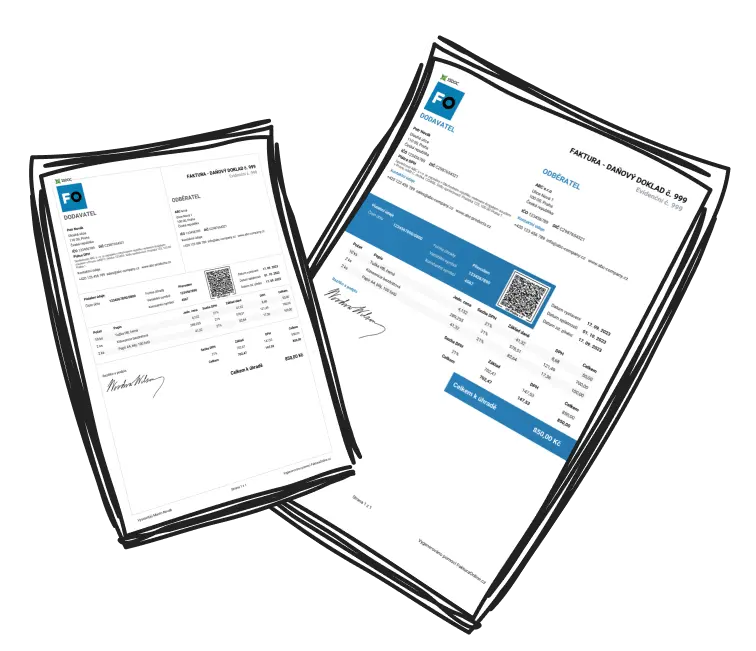
Pro forma invoice template

Is a pro forma invoice a real invoice?
No. It is a preliminary document that shows what the customer will pay. It does not record a sale, so you send a regular invoice once the deal is done.
What is the difference between a pro forma invoice and a quote?
A quote offers a price the customer can accept or decline. A pro forma invoice usually follows an agreed order and asks for payment before delivery.
Can I use a pro forma invoice for customs?
Customs may accept it in advance, for example to estimate duties, but the shipment usually needs a commercial invoice. Check with your carrier or customs broker.
What do I send after the customer pays?
Create a regular Invoice for the same customer and items. That is your final record of the sale.
documents with easeCreate Document