Prolonging an annual plan

How to do it?
You will receive the first notification about the upcoming expiration of your subscription one week before the plan ends, sent to the email address registered to your account on InvoiceOnline.com. You can pay immediately via credit card through the email. Simply click on the Pay by card link, which will redirect you to the payment gateway, and your previous plan will be automatically extended for another year.
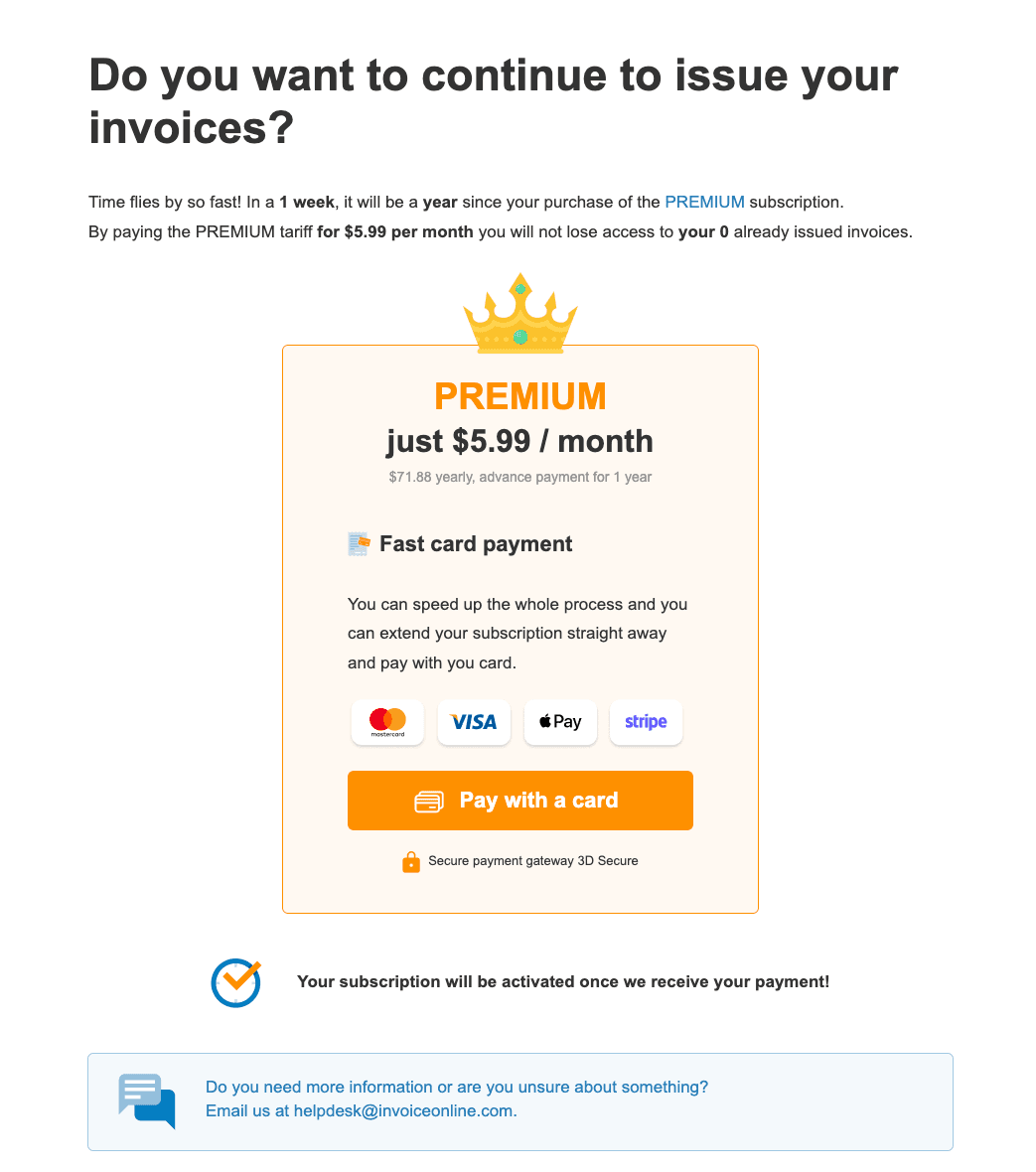
Extension in your InvoiceOnline.com account
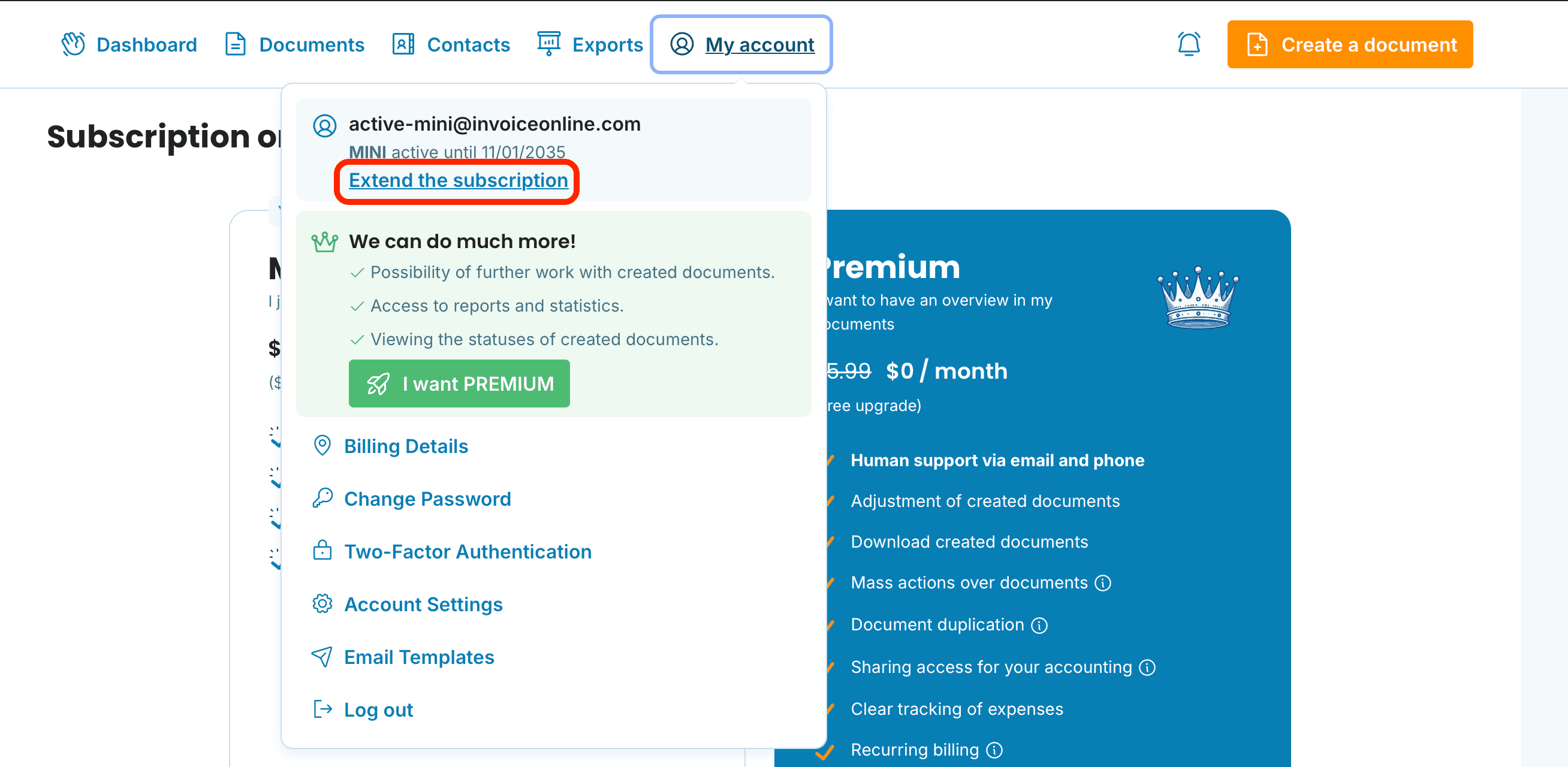
Your subscription can also be extended directly from your user profile on InvoiceOnline.com. In the top bar, you will find an option that will automatically redirect you to the payment gateway. Another option is to go to the My Account section and select Extend the subscription.
Your plan has expired, and invoicing is not possible
If your plan has already expired, don't worry – you won't lose your data. The invoicing option will be reactivated as soon as the payment is received by InvoiceOnline.com. When paying by card, the account will be activated within a few minutes.
Having trouble extending your plan?
Read about the most common issues when extending your plan, or contact us by email at [email protected], and we’ll be happy to help.

Are you currently subscribed to the PREMIUM plan and want to switch to the MINI plan? Just wait for your current subscription to expire, and then change your plan. Don’t worry – the subscription will not renew automatically. However, after switching, you will lose the ability to edit issued invoices and access other features available in the PREMIUM plan.
documents with easeCreate Document