PREMIUM plan
What’s Included in the PREMIUM plan
In addition to standard capabilities like creating and emailing invoices, the PREMIUM plan unlocks a variety of advanced features:
Automatic Invoice Storage
All invoices you generate are automatically saved in your account under the "Documents" section. This allows you to revisit, update, or manage them at any time. Unlike the MINI plan — which only allows downloading or sending the invoice immediately after it's issued — PREMIUM gives you long-term access and control.
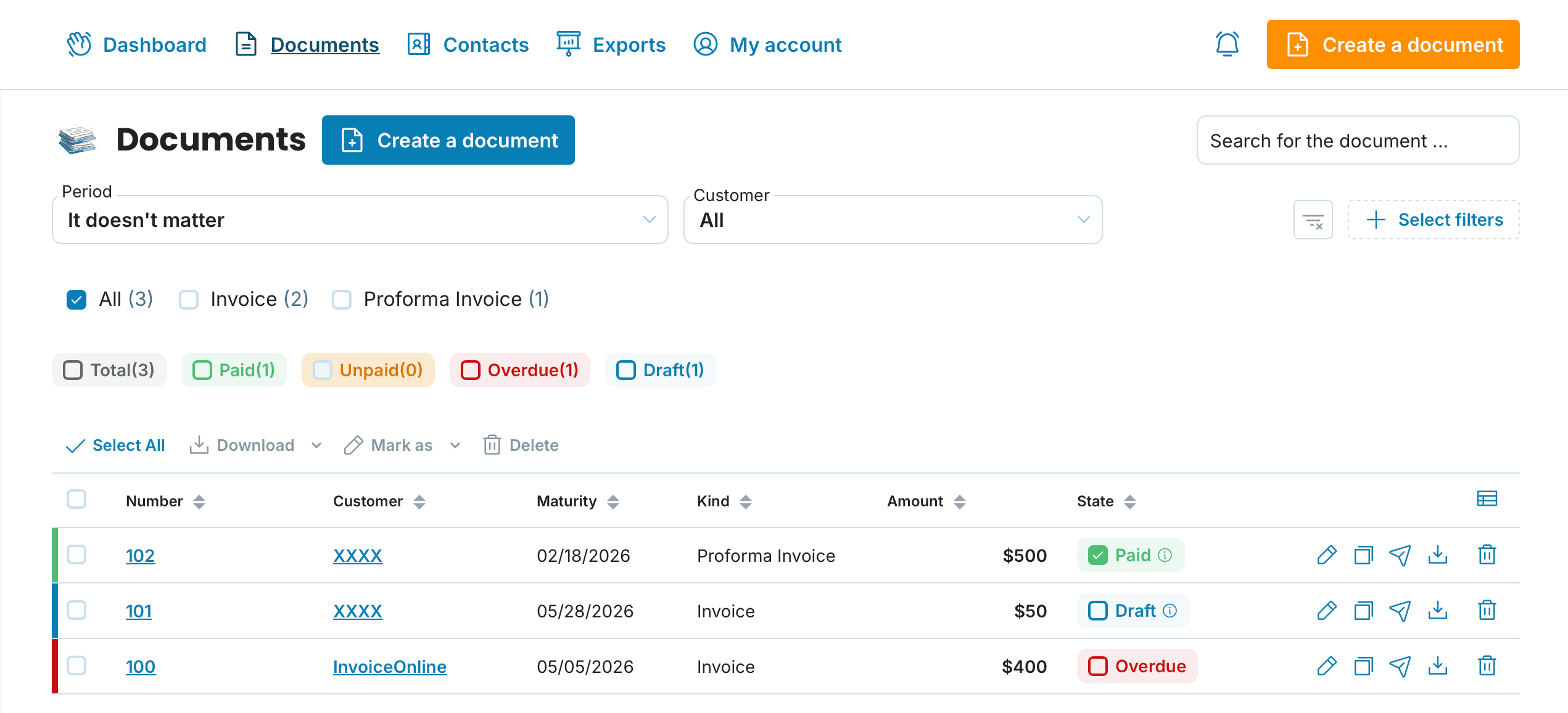
Edit Existing Invoices
Need to fix a typo or adjust details on an invoice you've already sent? With PREMIUM, you can modify invoices directly without having to recreate them from scratch.
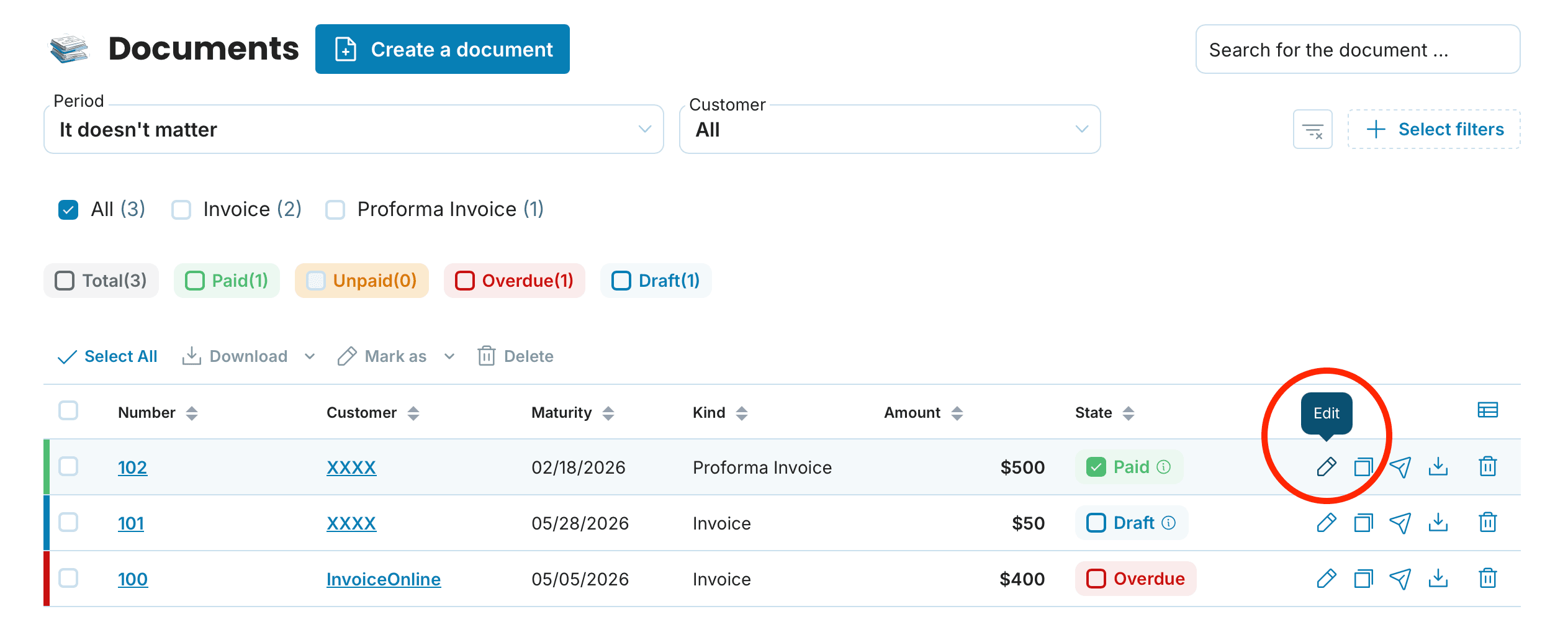
Smart Search & Invoice Status Management
Quickly find invoices based on filters like date, customer name, tax date, and more. You can also label the status of each invoice — such as paid, unpaid, or overdue — to stay organised and track payments more effectively.

Don’t See Status Labels?
Make sure the invoice status feature is enabled in your account settings under "My Account > Account Settings".
Customise Your Invoice View
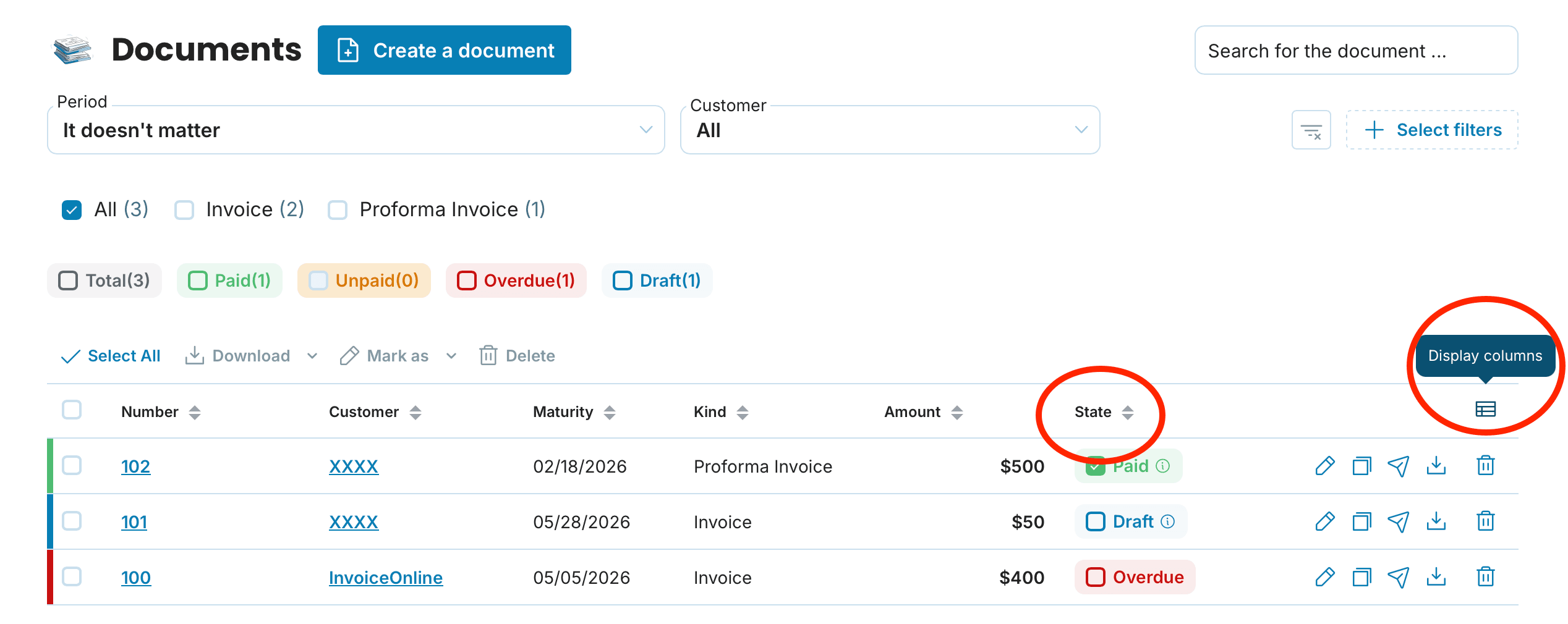
You’re in control of what information appears in your invoice dashboard. Choose from columns like Seller, Customer, Issued On, Maturity, Tax point on, Paid on, Sent, Kind, State, Amount, Number. A detailed tutorial is available if needed.
Email Template Builder
Want to personalise or automate your communications? With this feature, you can create reusable email templates for sending invoices, reminders, and thank-you messages — all tailored to your tone and style. A full setup guide is available.
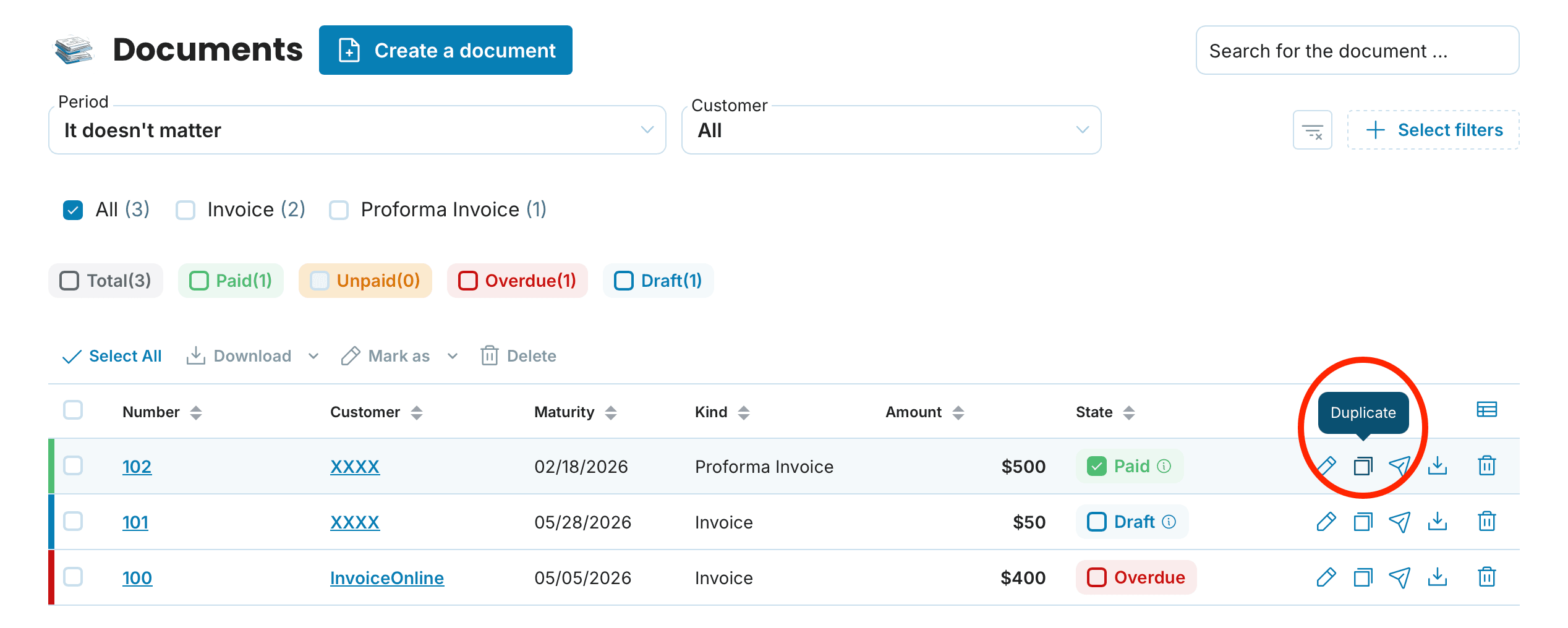
Duplicate Invoices with One Click
Do you frequently issue similar invoices? Save time by duplicating an existing invoice rather than starting a new one from the beginning.
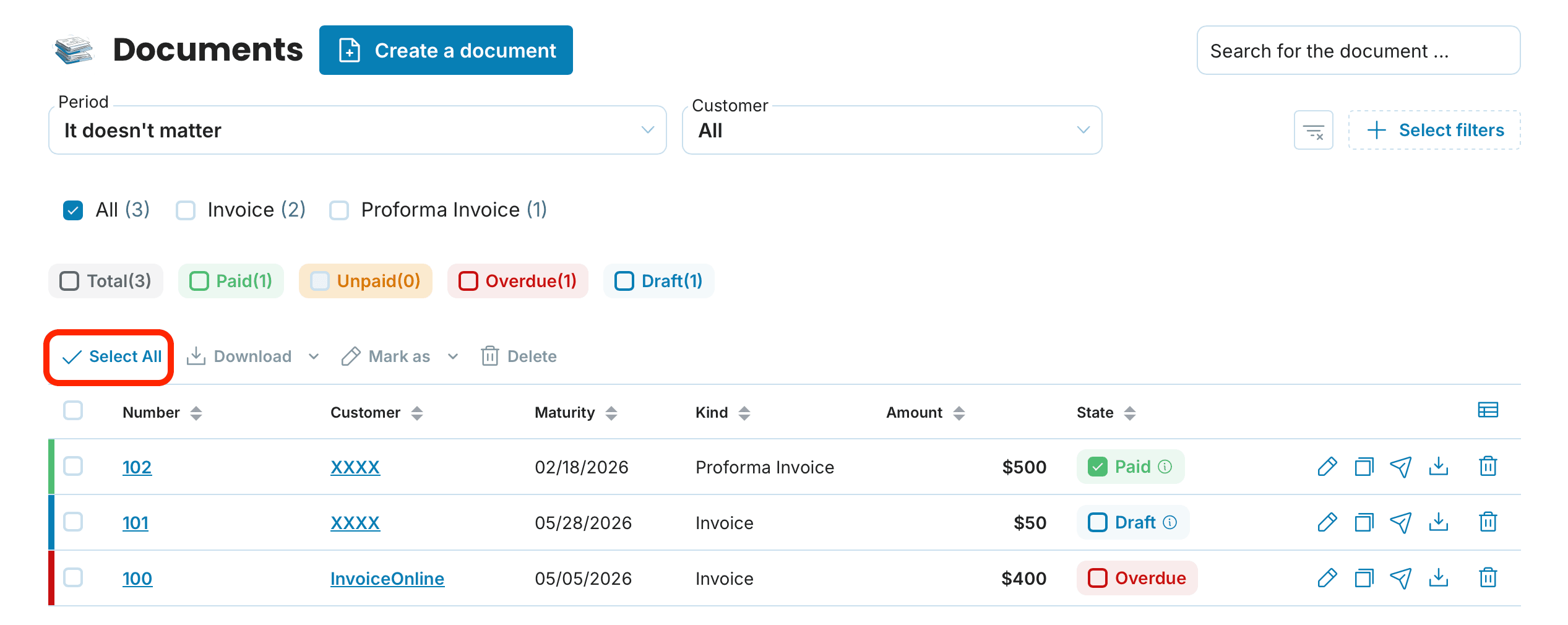
Bulk Management Tools
Manage multiple invoices at once — download, change their status, or delete them in bulk. Choose from download formats including PDF or XLSX to match your workflow. Use the “Select All” option on the invoices page for batch operations. You can also use the Export tool to back up your invoices, expenses, or contact list. Full instructions are available.
With PREMIUM, your invoicing process becomes faster, more flexible, and easier to manage.
When you register, you’ll receive free access to all PREMIUM features for the first 5 weeks — no payment required. Before the trial ends, we’ll send an email with information about how to continue with the subscription. You’ll then have the option to stay with PREMIUM or switch to the MINI plan. MINI includes basic tools like generating, downloading, and emailing invoices as soon as they’re created. Both plans include support via email.
